01AI Reframe
Landscape to vertical, without the manual keyframing
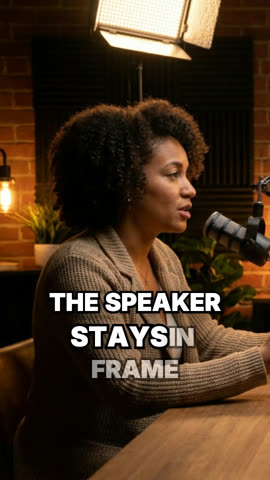
Shotline finds the people in every shot, follows whoever is talking, keeps on-screen text in frame and cuts cleanly at scene changes. Shots that can't be cropped get a clean blurred background.
Follows the active speaker
Keeps captions and titles in frame
9:16, 1:1 and more from one upload
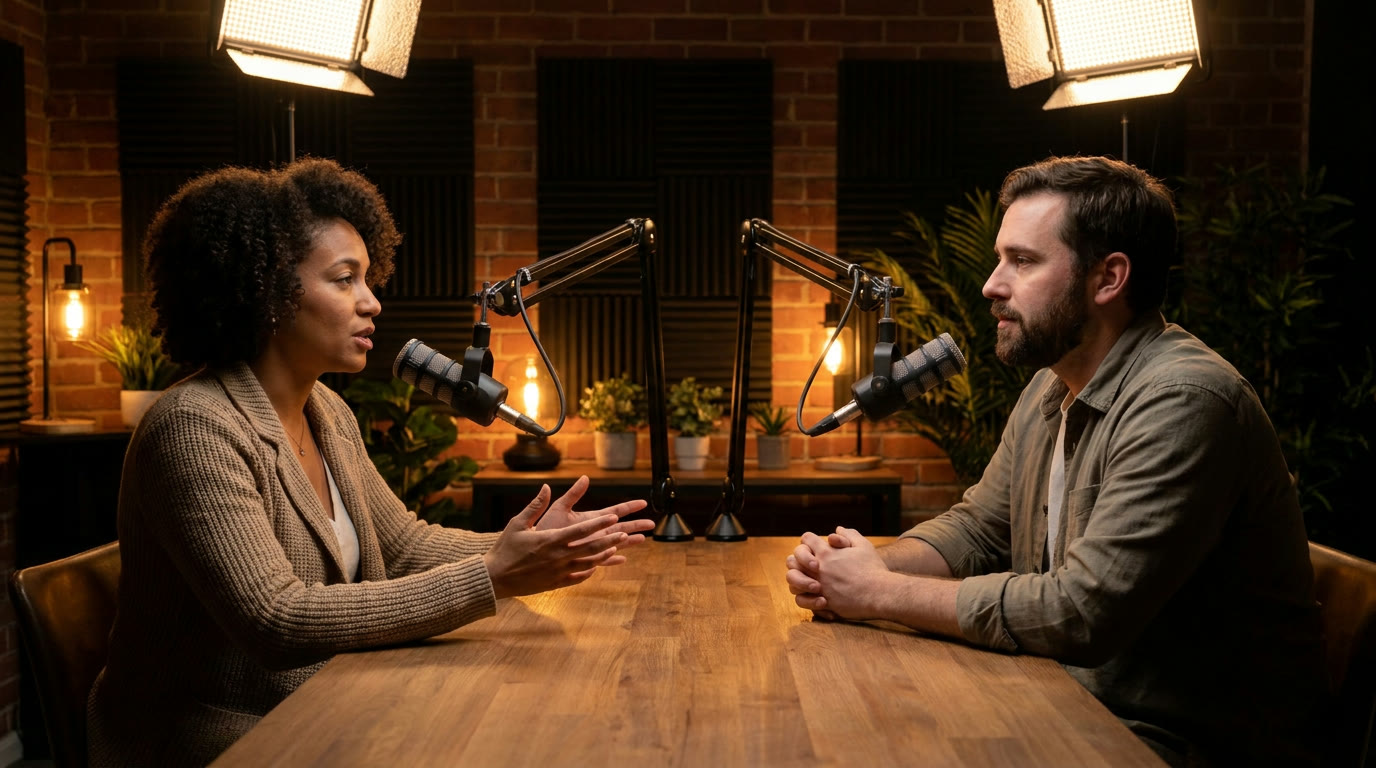
Click a side or use ← → to change who's speaking.Speaker A
02Captions
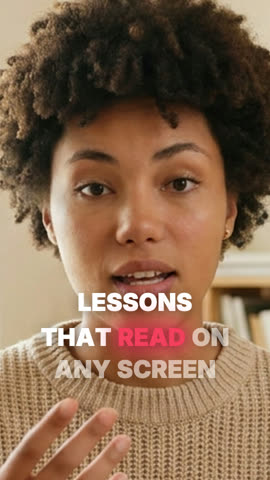
Captions that look designed, not generated
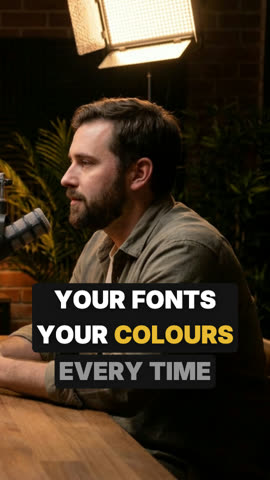
Transcribe in seconds, then pick a style — or make your own. Word-by-word timing, animated highlights, your brand fonts.
aStyle library, including styles shared by the community
bYour own fonts and saved styles
cWord animations: Pop, Stomp, Glow, Blur In
POPBold Pop
OUTLINEOutline
BoxedBoxed
neonNeonCommunity
EditorialEditorialCommunity
03How it works
Upload, edit, export. That's the whole workflow.
No installs and nothing to render on your own machine. Everything from the first upload to the final 4K file happens in the browser tab.
04Who it's for
Built for the way you publish
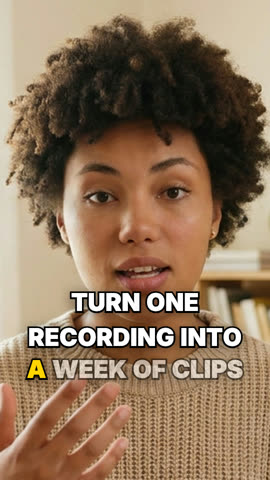
Turn one long recording into a week of vertical clips.
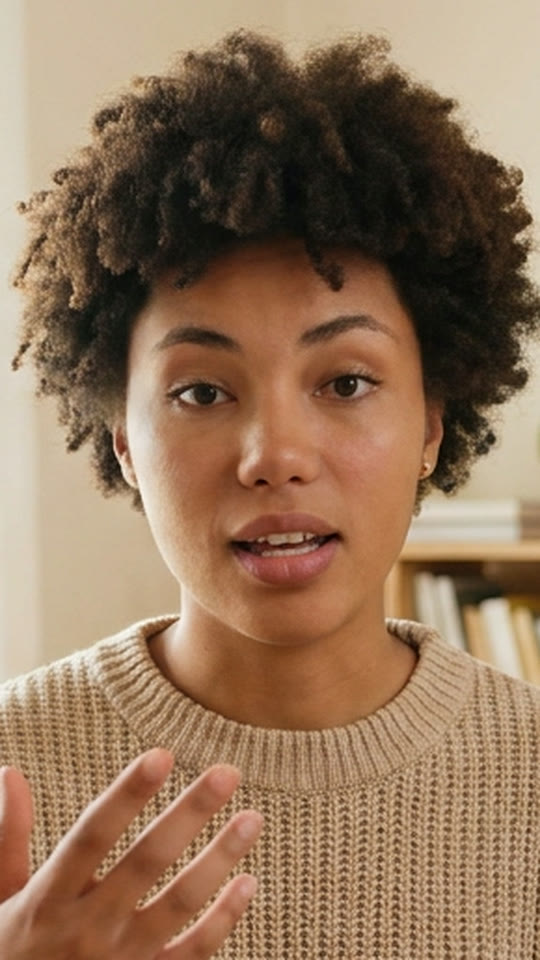
Creators & podcasters